





Smart Hotel and Guest Room Automation

Comfort, Efficiency and Centralized Operations

Smart Hotel and Guest Room Automation

From check-in to check-out, manage lighting, climate, shading, service requests and true occupancy through one integrated automation system.

01

True Occupancy Detection

The room is managed according to actual use detected by the door contact and room and bathroom sensors—not simply whether a card is present.

02

Guest-Ready Comfort

Check-in information prepares the room climate and operating mode before the guest arrives, without unnecessary energy use.

03

Centralized Operations

Room status, DND–MUR requests, technical alarms and energy modes are monitored from one central platform by authorized teams.

Pre-arrival Preparation

The Room Prepares Before the Guest Arrives

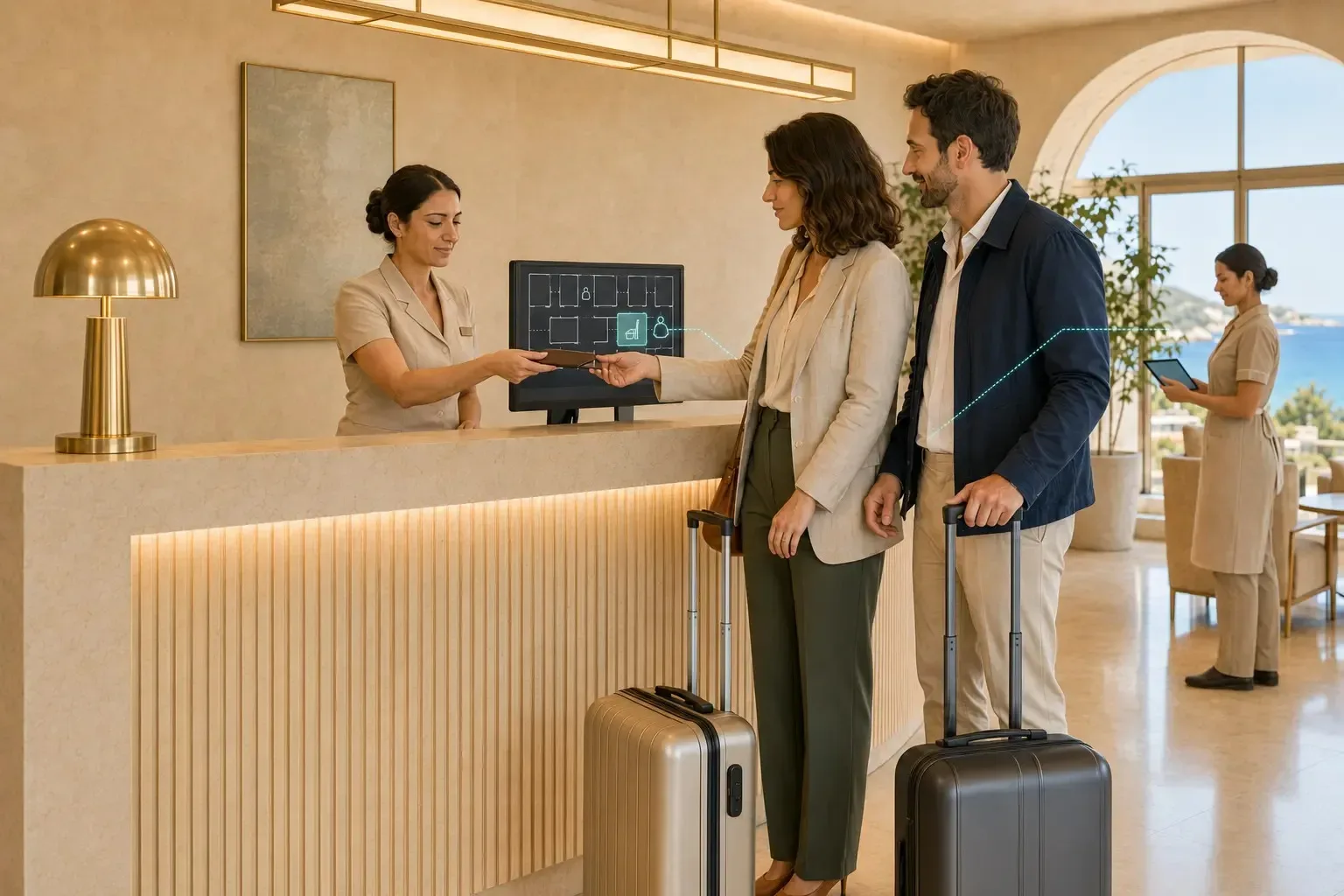
When check-in is completed at reception, information from the PMS is transferred to the room automation system. Climate control moves from economy mode toward the comfort setpoint while other loads remain controlled. The room is prepared without unnecessary energy use.

Comfort begins before the room door opens.
The Room Prepares Before the Guest Arrives

First Entry and Welcome

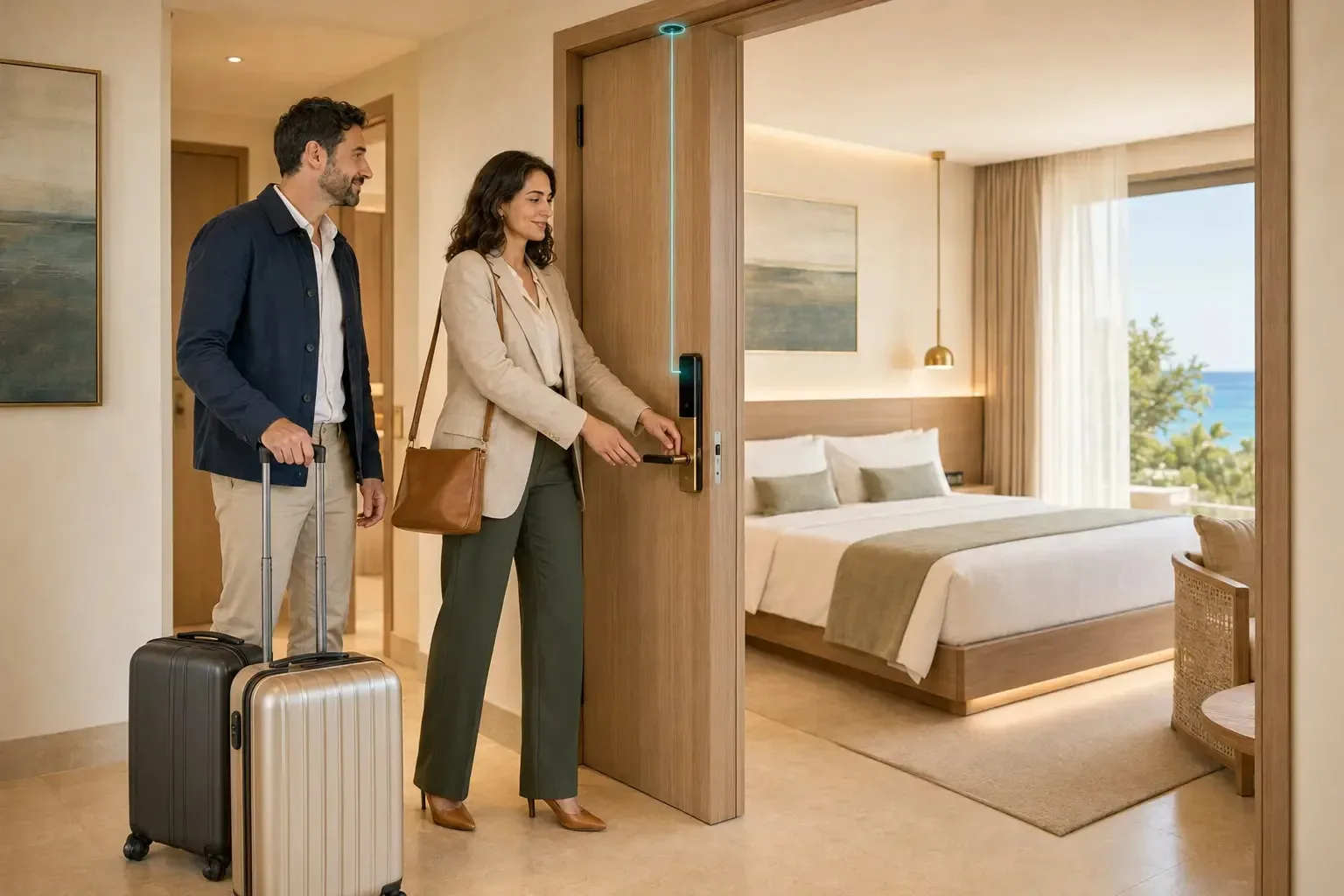
The Right Welcome Scene Starts as the Door Opens

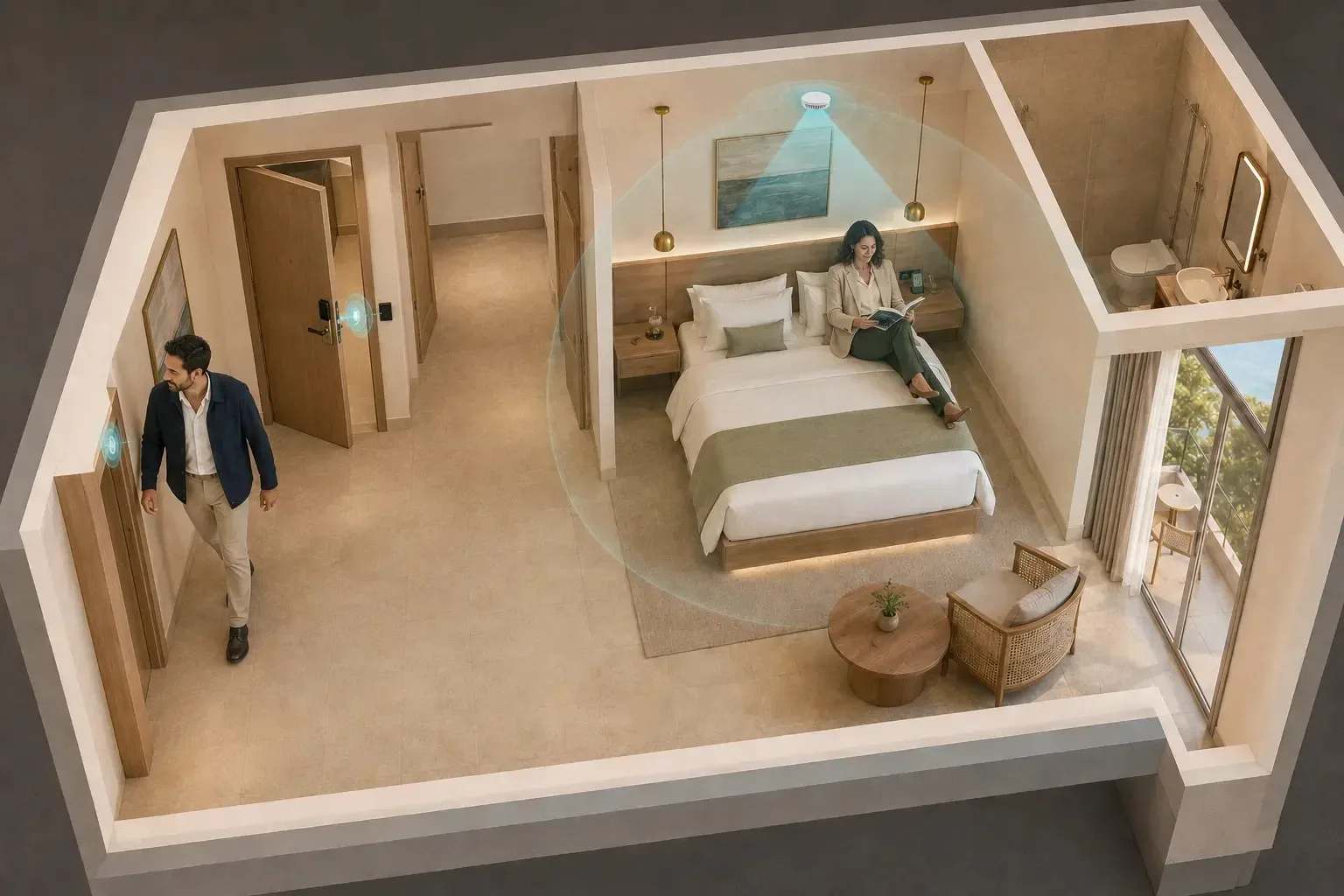
The smart lock or magnetic contact in the door frame sends entry information to the room automation system. If the room was previously vacant, the entrance lighting switches on, climate control enters comfort mode and the hotel’s selected welcome scene begins.

The first entry marks the beginning of the in-room guest journey.
The Right Welcome Scene Starts as the Door Opens

True Occupancy Detection

The Door Closes and Both Room Zones Are Scanned

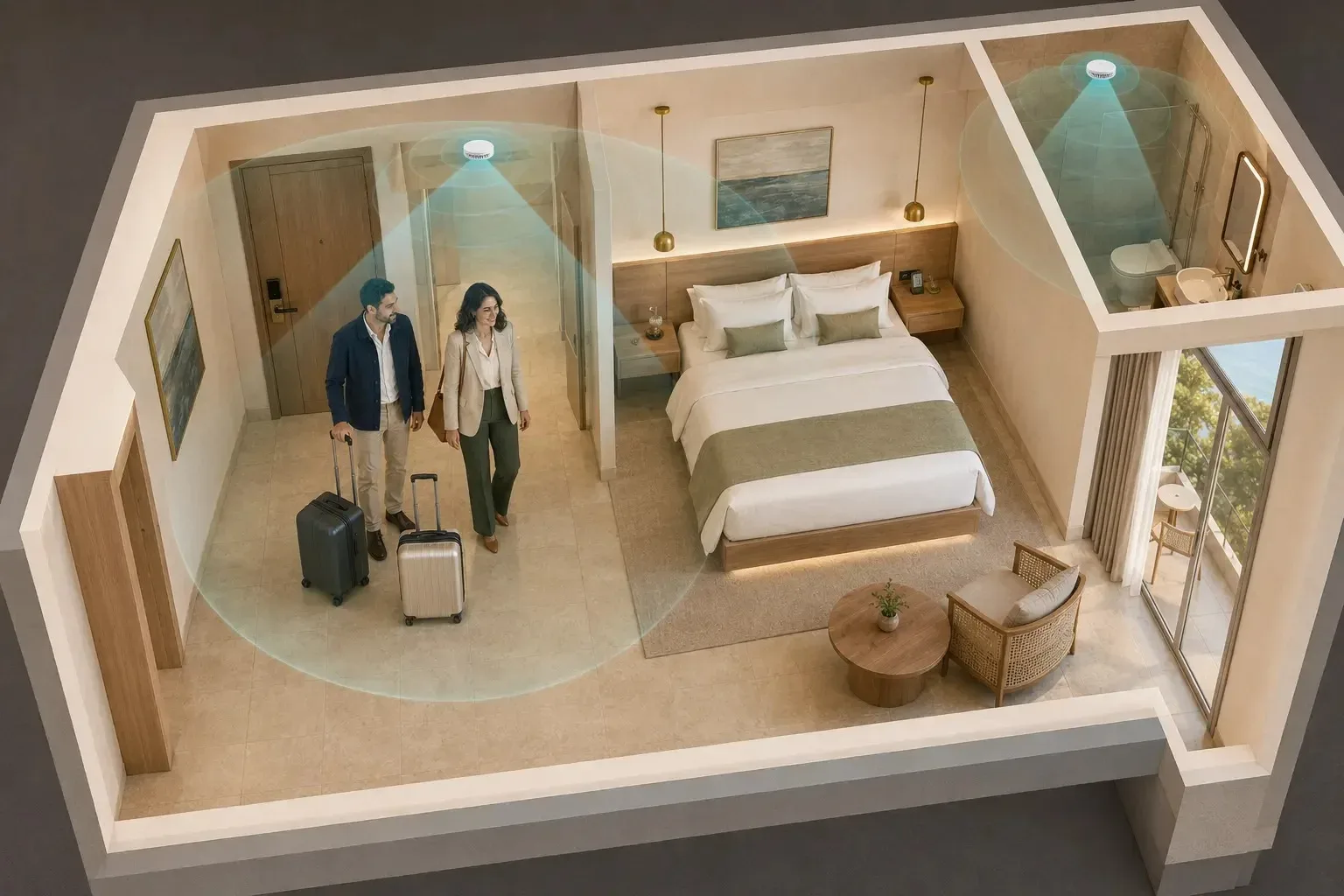
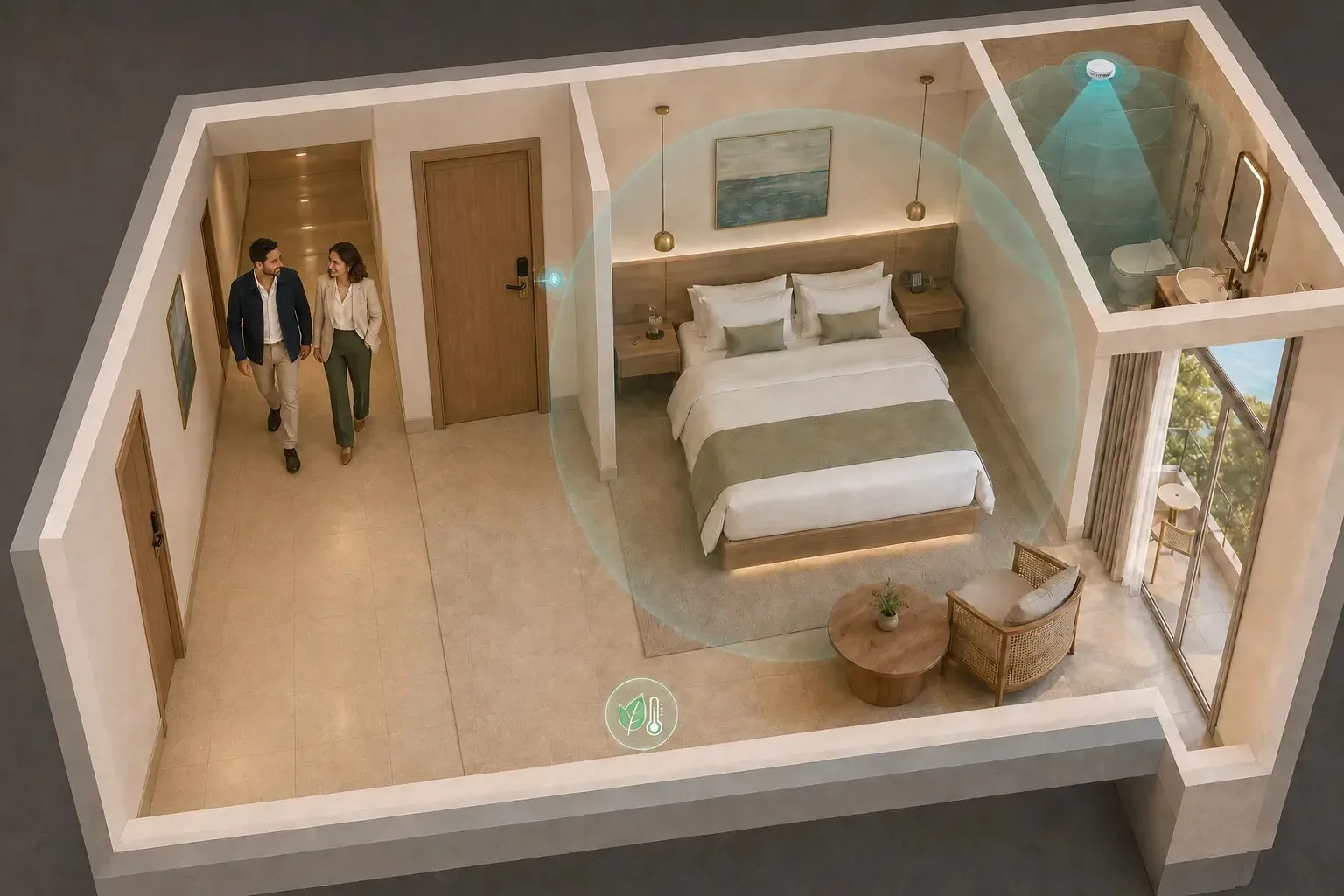
Once the door closes, two detection zones—the guest room and bathroom—are monitored for a configurable period. When either sensor confirms a guest, the room changes to occupied mode. The decision is based on actual human presence rather than a card left inside.

Two-zone detection determines the room’s actual occupancy status.
Our Hotel Automation Projects
The Door Closes and Both Room Zones Are Scanned

Personalized Comfort

The Room Adapts to the Guest

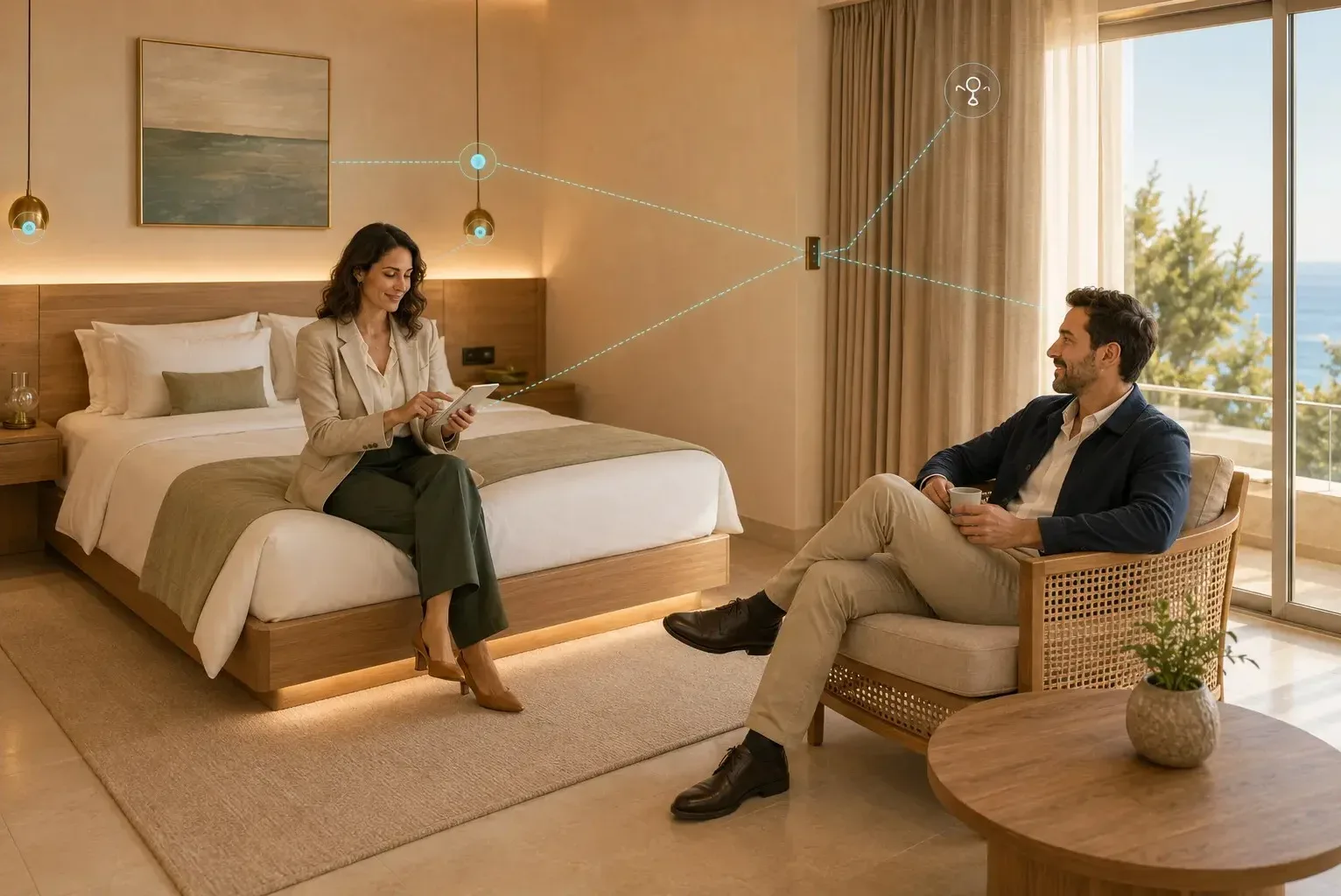
Guests can manage lighting, temperature, shading and predefined room scenes from a wall panel or mobile interface. While the room remains occupied, comfort is not interrupted simply because no movement is detected; relaxation, work and sleep scenes continue reliably.

A simpler and more personal stay with a single touch.
The Room Adapts to the Guest

Service and Privacy

Every Guest Request Reaches the Right Team

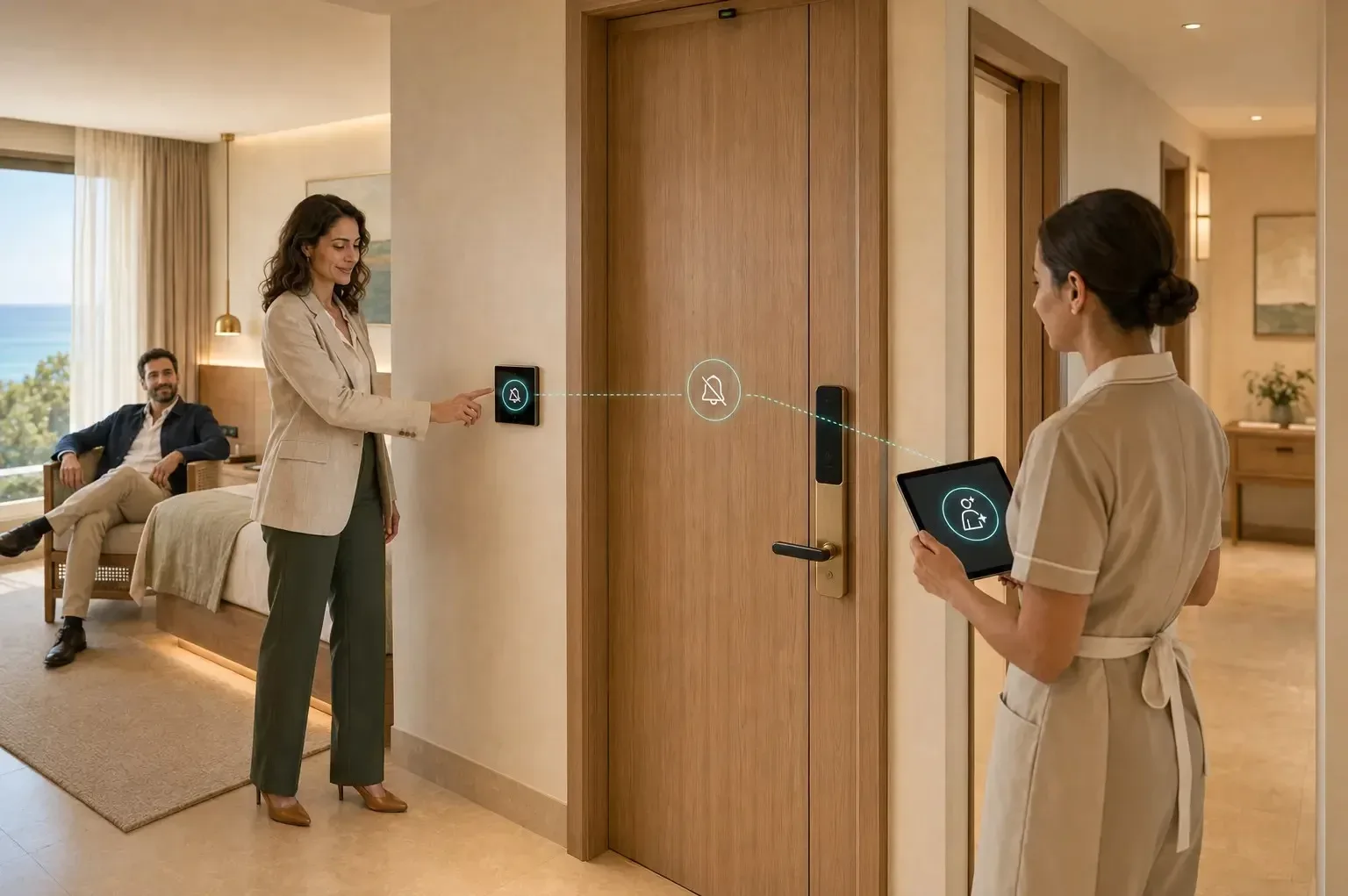
Do Not Disturb and Make Up Room selections are transferred to the corridor indicator and central management software. Reception, housekeeping and technical teams see only the room information relevant to their responsibilities, reducing unnecessary door visits and delayed requests.

Fewer interruptions for the guest and faster hotel operations.
Every Guest Request Reaches the Right Team

Intelligent Exit Verification

Comfort Is Preserved When One Guest Remains Inside

Opening and closing the door starts a new occupancy check. If one of the guests remains in the room, the room or bathroom sensor confirms their presence. Lighting, climate and the selected room scene continue without interruption.

Door movement alone never determines that the room is empty.
Comfort Is Preserved When One Guest Remains Inside

Controlled Energy Savings

Energy Savings Begin Once the Room Is Truly Vacant

If no presence is detected in either the guest room or bathroom during the configured period after the door closes, lighting and selected socket loads are switched off. Climate control enters an economy or protection setpoint according to hotel policy, while safety and essential systems remain active.

Energy is used only when needed, without compromising guest comfort.
Energy Savings Begin Once the Room Is Truly Vacant

Centralized Operations

Every Room Remains Visible and Ready for the Next Stay

Reception, housekeeping and technical teams monitor occupied, vacant, cleaning, DND, service request and fault conditions according to their access rights. Check-out information resets temporary room settings, transfers the room to the cleaning workflow and prepares it for the next guest.

The guest journey ends while hotel operations continue seamlessly.
Discuss Your Hotel Project
Every Room Remains Visible and Ready for the Next Stay